
Finding your way
Every screen in Knowspread is built from the same three areas. Recognising them makes the rest of the application predictable.
The three areas
Section titled “The three areas”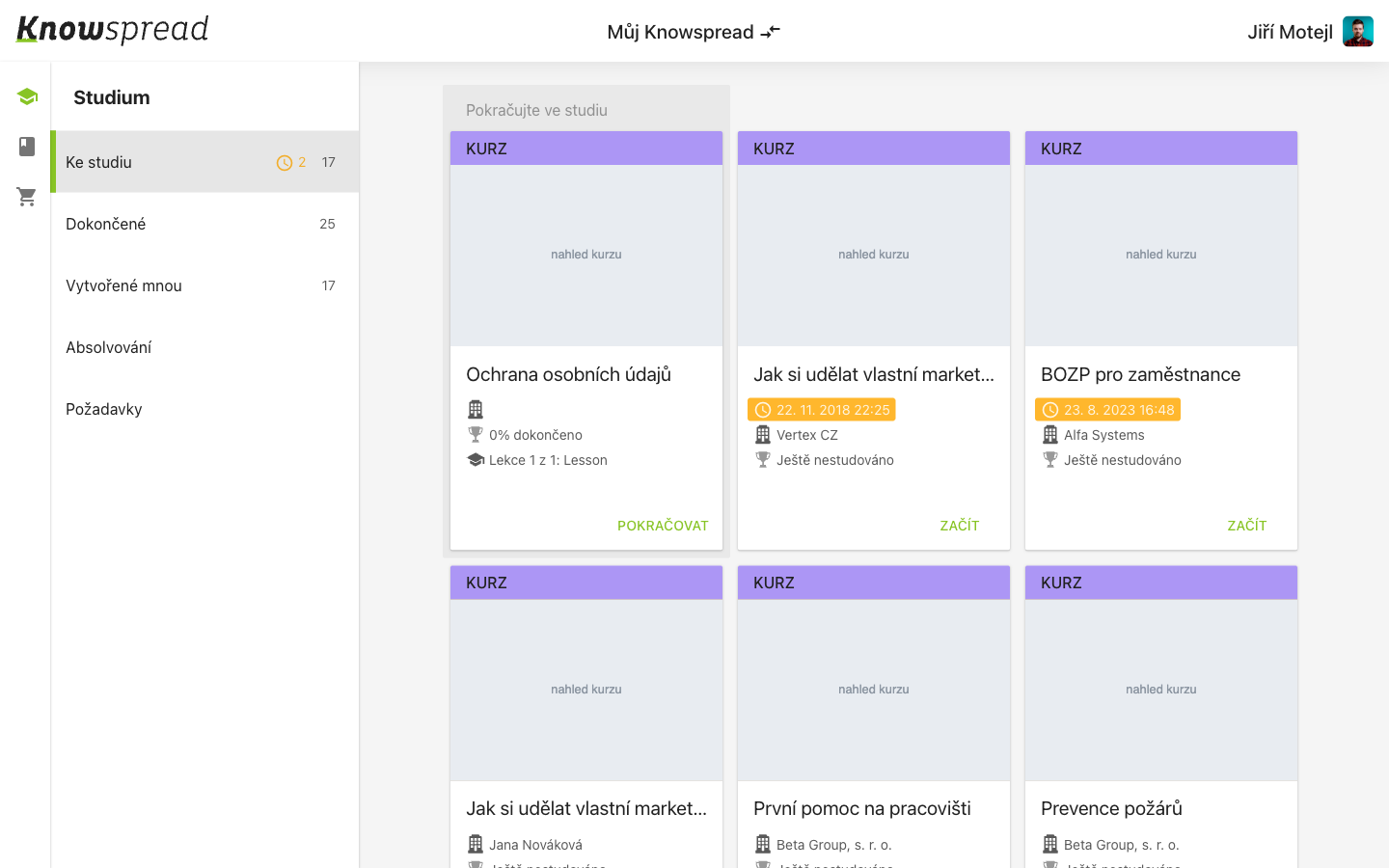
123
- The top bar shows the company space you are in and your own account. Selecting the space name lets you switch to another one.
- The left panel lists the sections of the current area. Its contents change with the icon column on the far left.
- The content area holds what you actually work with — here, course cards.
Switching between areas
Section titled “Switching between areas”The narrow icon column at the very left switches between whole areas: learning, content, and the course catalogue. The left panel then lists the sections of whichever area you picked.