
Signing in
Knowspread offers two ways in: a password, or a one-time link sent to your e-mail. The password form is not the default, so the first step is switching to it.
Before you start
Section titled “Before you start”You need an account in at least one company space. If someone invited you, the invitation e-mail contains the link that creates your account.
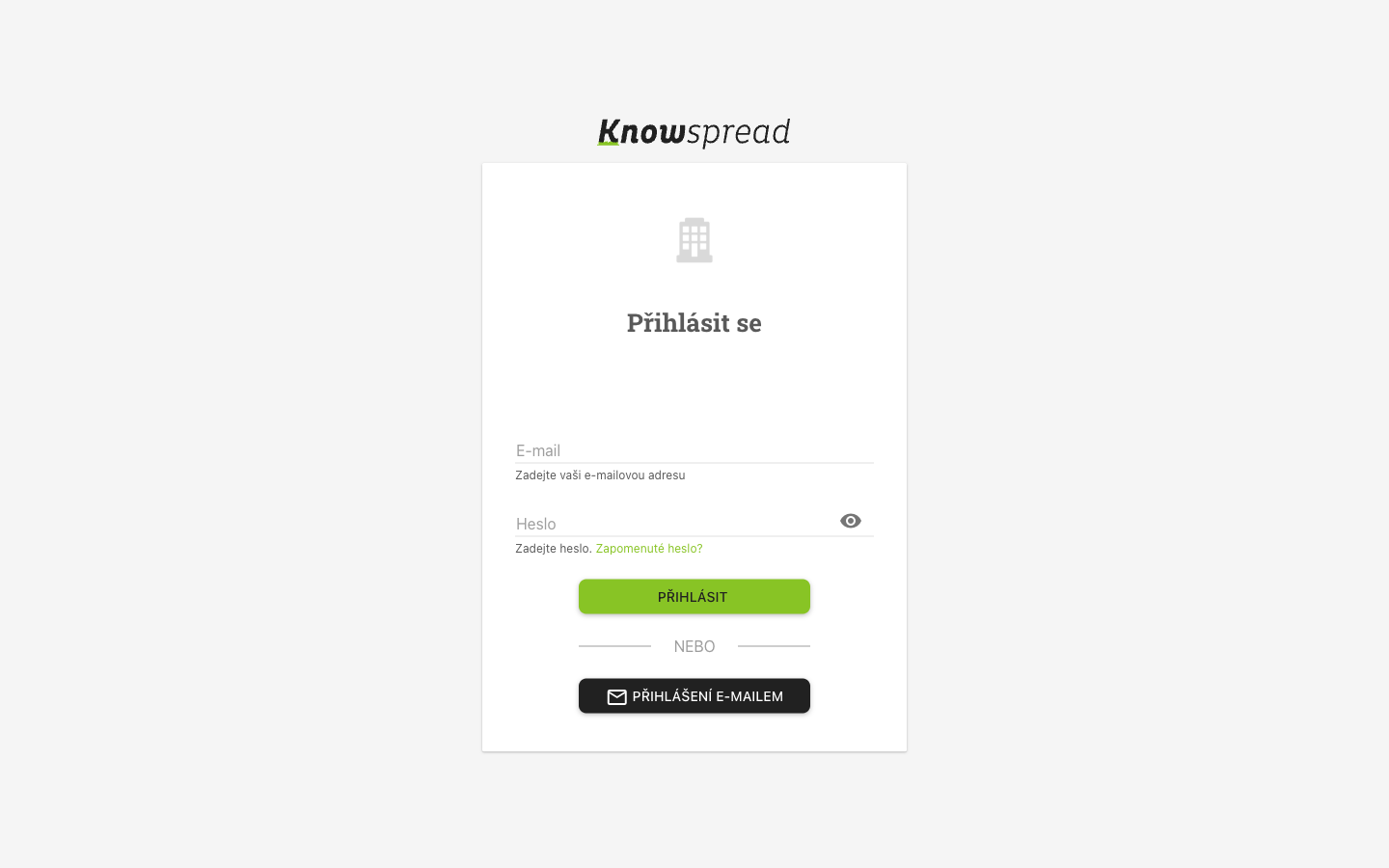
If the form asks only for an e-mail address, select Přihlášení heslem first. The screen then looks like this.
123
- Enter the e-mail you were invited with.
- Enter your password.
- Select Přihlásit.
What to watch for
Section titled “What to watch for”If you belong to more than one company space, Knowspread asks which one to open before it shows any content.